press kit
swish, in facts
everything someone needs to write about, list or link to swish. every statement here is true today; nothing is estimated.
facts
| Product | Swish, a Mac menu-bar writing app. Tagline: just swish it. |
|---|---|
| Platform | macOS 13 or newer, Apple silicon and Intel. Not available on Windows, iPhone, iPad or Android. |
| Price | Free. Unlimited on-device fixes without an account; after a free sign-in, 10,000 AI characters a day. Paid plans: planned, checkout closed. |
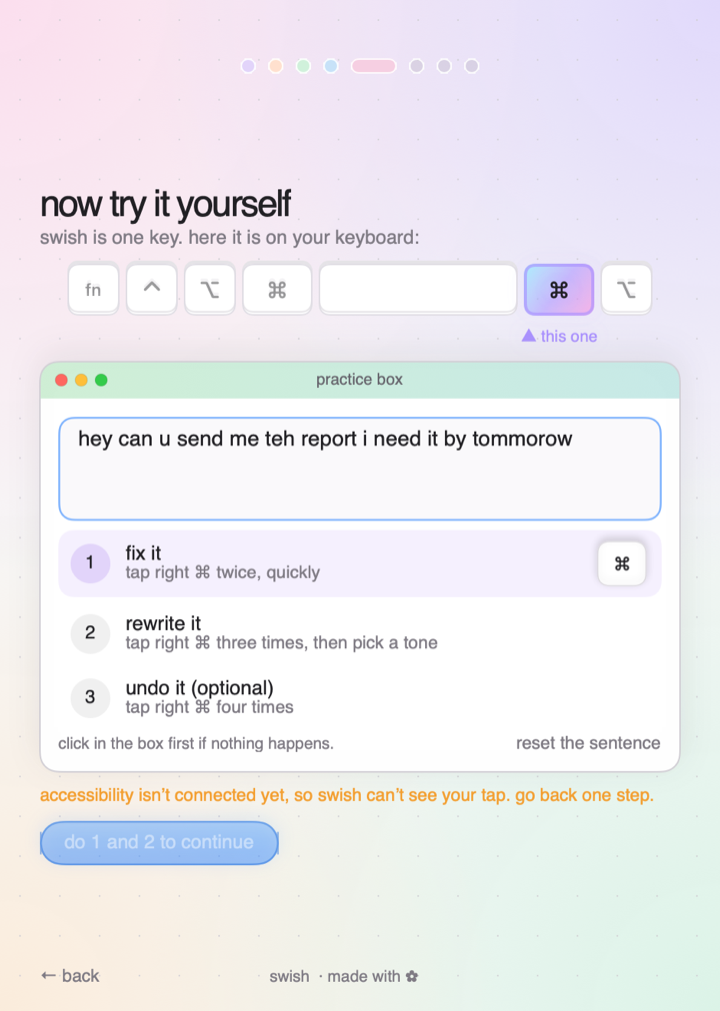
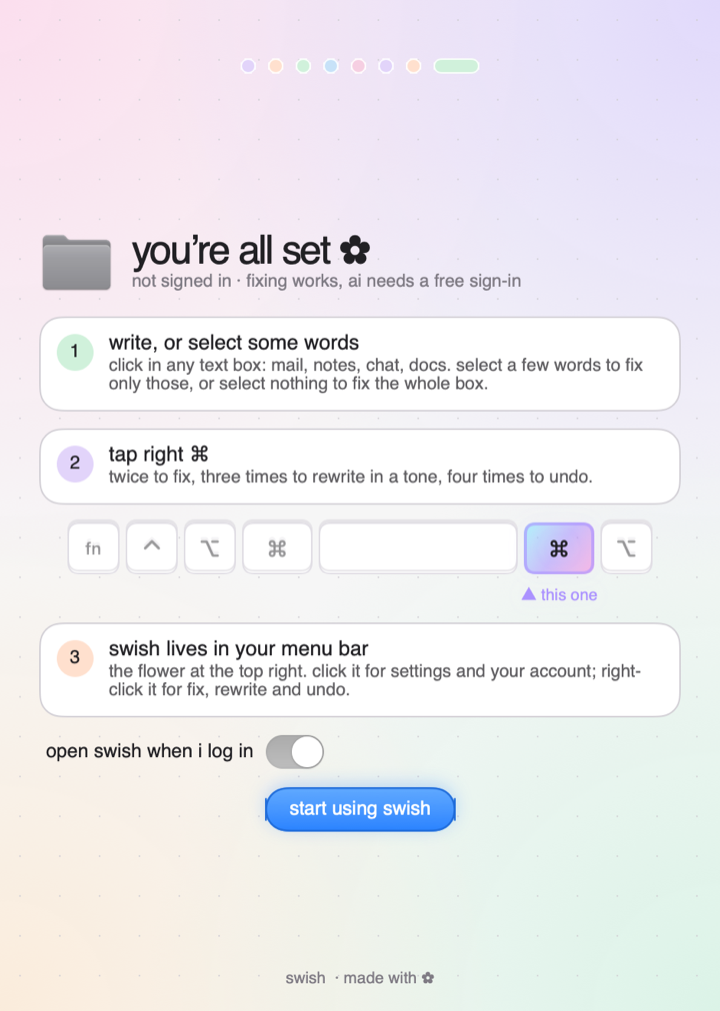
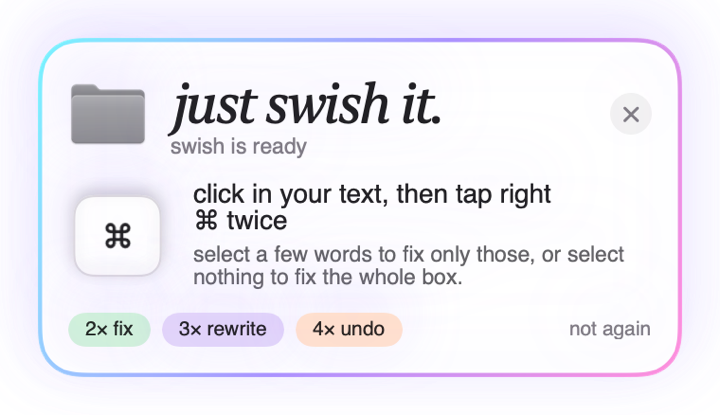
| How it works | Tap the swish key (right Command by default) twice to fix, three times to rewrite in a tone, four times to undo. |
| Privacy | Reads text only when you tap the key. Never reads password fields. Does not store the text you write. |
| Updates | Signed and notarized by Apple; updates itself (checks daily, asks first). |
| Website | https://swishhit.com |
| Download | https://swishhit.com/downloads/Swish.dmg |
| Current version | 2.40.3 |
descriptions
Short description
Swish is a free Mac menu-bar app that fixes or rewrites the text you are writing, in place, with one key.
Medium description
Swish is a free Mac menu-bar app. Tap one key twice in any text box and your text is fixed where it is: spelling, grammar, punctuation. Tap three times to rewrite it in a tone you pick (professional, friendly, shorter, Hindi to English and more). Tap four times to undo. It works in Mac apps and in browsers, in English, Hindi and Hinglish. Fixing without AI is free and needs no account.
Long description
Swish is a free Mac menu-bar app. Tap one key twice in any text box and your text is fixed where it is: spelling, grammar, punctuation. Tap three times to rewrite it in a tone you pick (professional, friendly, shorter, Hindi to English and more). Tap four times to undo. It works in Mac apps and in browsers, in English, Hindi and Hinglish. Fixing without AI is free and needs no account. A free sign-in adds 10,000 AI characters a day (rewriting counts every character, an AI fix counts a fifth). Swish reads text only when you tap its key, never reads password fields, and does not store what you write. The free tier shows one small line labelled sponsored (or sample) in the tone picker. Paid plans and credit packs are planned; checkout is not open yet and the paid buttons only collect an email. Swish needs macOS 13 or newer and runs on Apple silicon and Intel. It is signed and notarized by Apple and updates itself.
demo
logos and icons
Swish's own images. You may use them to write about, list or link to Swish. Please do not alter the logo or suggest that Swish endorses you.
- App icon, SVG (vector)dark rounded tile with the five-petal flower
- App icon, PNG 1024 × 1024square, transparent corners
- Flower mark, SVG (vector)the five petals and centre, no tile, transparent
- Flower mark, PNG 1024 × 1024transparent background
- Square logo, PNG 512 × 512tile filled to the edge, for avatars
- Favicon, PNG 32 × 32for browser tabs





screenshots
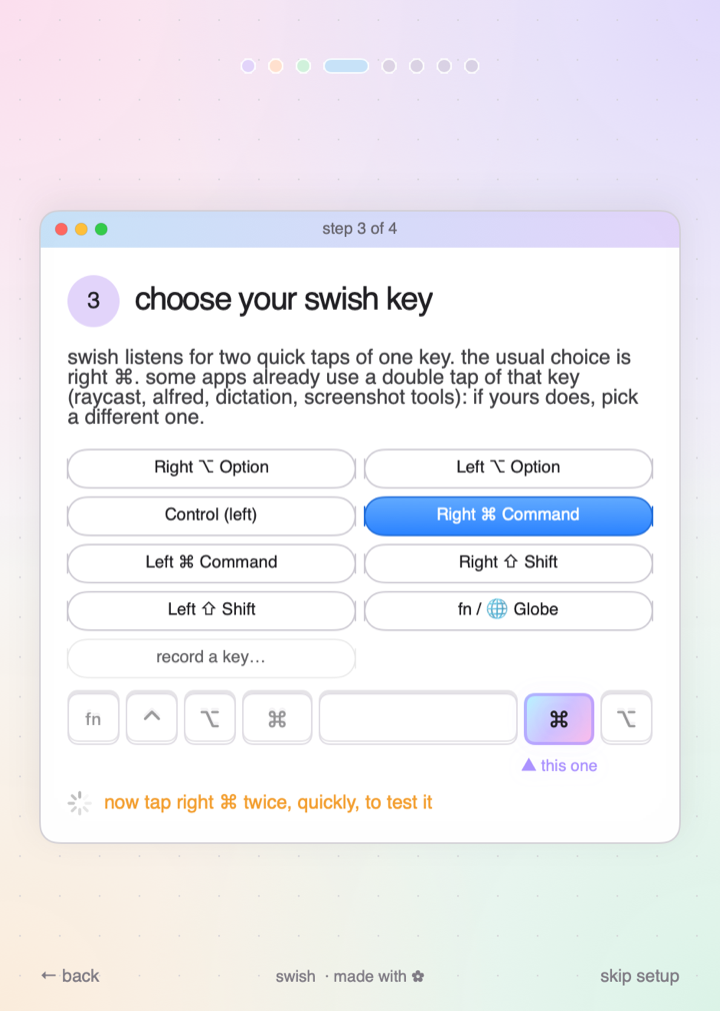
Rendered by the Swish app itself, current version. Free to use when writing about Swish.
the founder
A founder bio will be added here once the owner approves the wording.
what we do not say
Swish does not read everything you type, does not store your text, and is not available on Windows or phones today. Paid plans are planned and checkout is closed. We do not publish user counts, reviews or customer names that we cannot show.
contact
No press email is published yet. See support; the address will be listed there when the inbox is open.